Why observability is a foundation — not a feature — for Spring Boot in production.
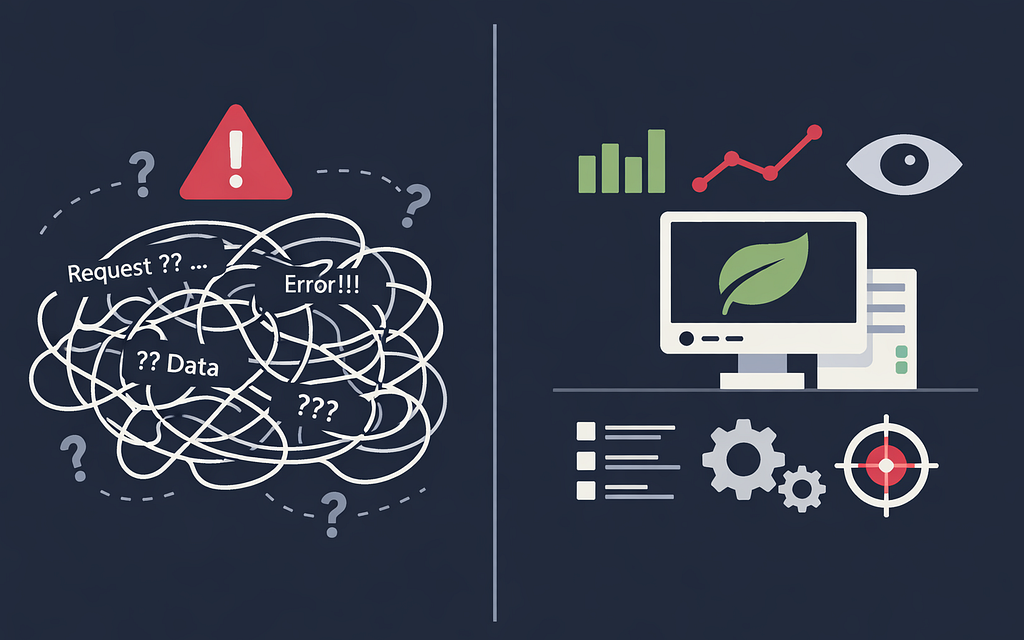
Modern applications live in complex, distributed environments. When a request fails, it rarely fails in isolation. It’s usually a cascade involving a few of microservices, a slow database and a saturated connection pool.
If you aren’t using distributed tracing and metrics from the first deployment, you’re flying blind. No timing. No trace ID. No context.
This is not an edge case. It’s what happens when observability is treated as “something to add later.”
⚡ TL;DR (Quick Recap)
- Use Spring Boot Actuator with /health, /info, /metrics, /prometheus
- Log in structured JSON with trace/correlation IDs
- Observe, Don’t Just Measure - @Observed for automatic metrics and tracing
- Metrics using Prometheus and visualize with Grafana
- All examples assume Spring Boot 4.x
Why This Matters
Modern applications are distributed systems by default. A single request might traverse:
- your API
- a database
- multiple internal services
- third-party APIs
Without tracing and metrics, failures become invisible chains. With tools like OpenTelemetry and Micrometer, observability is now standardized — and expected.
Spring Boot supports it out of the box.
Actuator: Your Production Interface
Spring Boot Actuator is how your infrastructure interacts with your application.
Start with dependencies:
<dependency>
  <groupId>org.springframework.boot</groupId>
   <artifactId>spring-boot-starter-actuator</artifactId>
</dependency>
<dependency>
    <groupId>org.springframework.boot</groupId>
    <artifactId>spring-boot-starter-aspectj</artifactId>
</dependency>
<dependency>
    <groupId>io.micrometer</groupId>
    <artifactId>micrometer-registry-prometheus</artifactId>
    <scope>runtime</scope>
</dependency>
Note: spring-boot-starter-aop was in Spring Boot 3.x — now the spring-boot-starter-aspectj
and configuration:
management:
  observations:
    annotations:
      enabled: true
    key-values:
      app: service-name
  metrics:
    tags:
      app: service-name
  server:
    port: 8888
  tracing:
    sampling:
      probability: 1.0 #Use 1.0 only for local/dev. In production, start with 0.1 or adaptive sampling.
  info:
    git:
      mode: full
    build:
      enabled: true
  endpoints:
    web:
      exposure:
        include: health, info, metrics, prometheus
  endpoint:
    health:
      probes:
        enabled: true
      show-details: when_authorized
Separating the management port from the application port (8080) is a security best practice to prevent external exposure of Actuator endpoints.
Also avoid exposing sensitive endpoints like:
- /env
- /heapdump
- /shutdown
Think of Actuator as your production API — not a debugging tool.
Health Checks That Reflect Reality
Default health checks answer:
“Is the database reachable?”
But production needs:
“Can this service actually function?”
Example:
@Component
public class DownstreamHealthIndicator implements HealthIndicator {

    @Override
    public Health health() {
        try {
            boolean healthy = checkExternalService();
            return healthy
                ? Health.up().build()
                : Health.down()
                    .withDetail("reason", "Dependency returned unhealthy status")
                    .build();
        } catch (Exception ex) {
            return Health.down(ex)
                .withDetail("reason", ex.getMessage())
                .build();
        }
    }

    private boolean checkExternalService() {
        // Always enforce a hard timeout on health checks —
        // a slow downstream must not block /health indefinitely
        // and stall your liveness probe.
        ...
    }
}
This ensures:
- dependencies respond
- resources are available
- the app can fulfill real requests
Structured Logging: From Text to Data
Plain logs don’t scale.
Enable structured JSON logging:
logging:
  structured:
    format:
      console: logstash
Then log with structure:
 log.atInfo()
    .setMessage("Product created")
    .addKeyValue("productId", id)
    .addKeyValue("operation", "createProduct")
    .log();
Now logs become:
- filterable
- searchable
- correlated
Instead of noise, you get signal.
Trace IDs: Connecting the Dots
Logs without trace IDs are isolated.
With tracing:
- every request gets a traceId
- every operation gets a spanId
Configure tracing:
management:
  tracing:
    sampling:
      probability: 1.0 #Use 1.0 only for local/dev. In production, start with 0.1 or adaptive sampling.
Now you can trace requests across systems using tools like Zipkin or Grafana.
Observed: Metrics and Tracing in One
Manual timing creates logs.@Observed creates insight.
// @Observed requires spring-boot-starter-aspectj on the classpath
// AND management.observations.annotations.enabled=true in application.yml
@Observed(name = "order.processing")
public void processOrder() {
    // business logic
}
This automatically produces:
- execution time metrics
- trace spans
- correlated observability data
No boilerplate required.
Metrics That Don’t Disappear: Prometheus
Metrics inside your app are useless if they’re not stored. This is where Prometheus comes in.
Expose endpoint
management:
  observations:
    annotations:
      enabled: true
  endpoints:
    web:
      exposure:
        include: health, info, metrics, prometheus
Configure scraping
scrape_configs:
  - job_name: 'spring-boot-app'
    metrics_path: '/actuator/prometheus'
    scrape_interval: 15s
    static_configs:
      - targets: ['app:8888']
What You Get Instantly
With @Observed + Prometheus:
- Request latency metrics
- Error rates
- Throughput
- JVM performance data
And most importantly — history.
Without it:
“Something was slow earlier…”
With it:
“Latency spiked at 10:03, peaked at p99 1.7s.”
The Info Endpoint: Know Your Deployment
Expose build metadata:
management:
  info:
    git:
      mode: full
    build:
      enabled: true
and build plugin:
<plugin>
    <groupId>io.github.git-commit-id</groupId>
    <artifactId>git-commit-id-maven-plugin</artifactId>
</plugin>
Now /actuator/info shows:
- version
- commit hash
- build time
No more:
“Which version is running?”
Final Takeaways
Observability is not a feature you add before launch. It is the operational floor your application runs on from the first request. Spring Boot gives you the Actuator, Micrometer Observation, structured logging and distributed tracing stack
- Observability is the foundation, not an enhancement
- Spring Boot Actuator is your production interface
- Structured logs make debugging scalable
- Micrometer Observation replaces manual instrumentation
- Metrics without Prometheus are temporary — store them or lose them
You can find example of code on GitHub.
Originally posted on marconak-matej.medium.com.